
Bitcoin Mining Programs: Top Solutions for Mining Cryptocurrencies
Introduction
When you buy an ASIC, it usually has everything needed for mining installed. Connect it to the network, open the interface and enter your pool settings. You'll need a computer for that setup. Once it's done, the computer can be switched off; the ASIC handles the calculations itself.
It's easy to miss this when comparing bitcoin mining software. A single list might include ASIC firmware, farm management tools and applications for mining with graphics cards. Someone buys a network-connected ASIC, reads the comparison and starts looking for a Windows application, even though their miner has no need for one.
You may need extra software later. Perhaps you want to hear about equipment stopping sooner, or reduce power consumption on a compatible machine. We'll look at programs for those jobs: where they run, which settings they can change and what you'll have to pay for.
How bitcoin mining software works
For direct BTC mining, bitcoin mining software organizes the work of ASICs performing SHA-256d calculations. The mining engine connects to compatible equipment, receives jobs and sends back results. The chips provide the hashrate. Installing that engine on a laptop won't give it the performance of a dedicated miner.
The term bitcoin mining software also includes tools that help run the equipment. Firmware operates on the miner's controller. Farm management software can run on another computer, collecting device readings and sending commands through supported interfaces. You can use a manager while keeping the miners' original firmware.
Payment currency belongs in the comparison too. An application for a processor or graphics card may sell computing power for other algorithms and collect payment in BTC. Earnings depend on demand for hashrate at that service. A payment denominated in bitcoin doesn't establish that the graphics card mined Bitcoin directly.
Four jobs grouped under one name
Before looking through the features, find out where the program runs. Installing a manager usually leaves the miner's firmware alone. Replacing firmware changes the software on the controller itself. Consider hardware compatibility and how to recover the device if something fails.
- A mining engine connects to compatible hardware and submits shares. Its drivers determine which devices it can work with.
- ASIC firmware runs on the controller and operates the machine. It also determines the available performance and power settings.
- Farm management software collects data from several miners and can perform actions through the interfaces those devices make available.
- A hashrate marketplace client connects owners of compatible equipment with buyers of computing power. Sellers can receive BTC for calculations using other algorithms.
Several of these tools can be used on one farm. A manager might monitor ASICs running alternative firmware, for example. Each component still needs its own compatibility check. A manager finding the miner on the network doesn't tell you whether the firmware image you've chosen will fit that machine's control board.
Braiins OS starts with identifying the control board
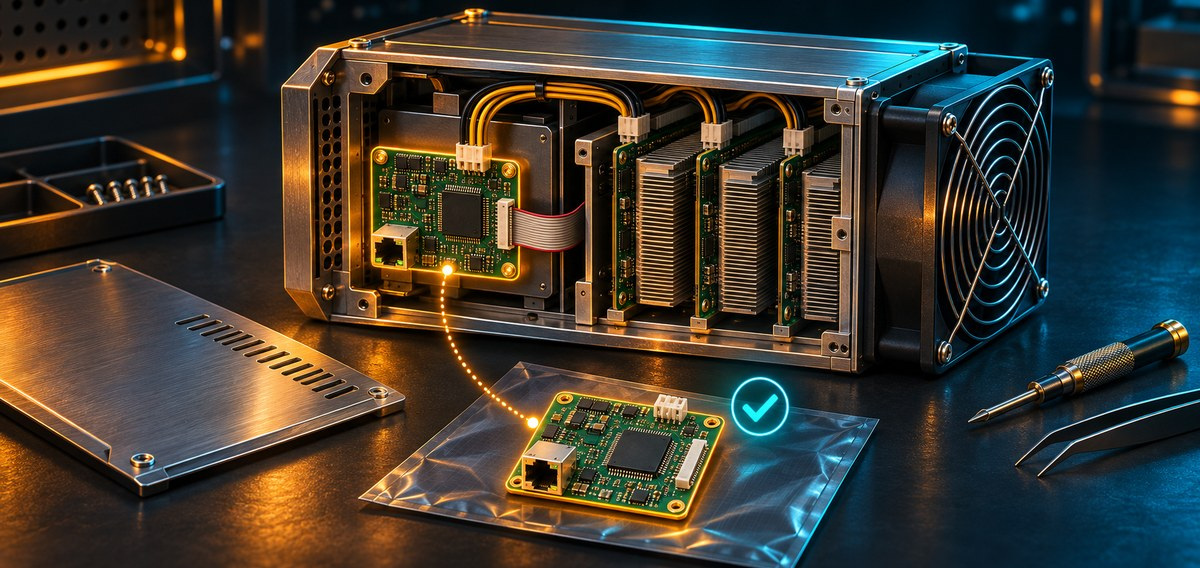
Braiins OS is alternative firmware. Its tuning functions are useful if you want to see how a compatible ASIC operates at a chosen power level. Before installing it, there's a specific question to answer: does the image fit your equipment, including its control board?
The family name printed on the case isn't enough. Braiins publishes compatibility information for different miner variants and control boards. Machines referred to simply as S19 or S21 may need different images and installation methods. A controller may also have been replaced during a repair, leaving the purchase paperwork out of date.
Get the images from the official Braiins firmware download page or release archive. Braiins Toolbox is offered separately for Windows, macOS and Linux, as a deployment and management utility. Those desktop platforms describe the utility's environment. The firmware itself goes onto the ASIC.
Licensing can affect operation as well. Braiins documents a developer fee and license-server connection requirements for the relevant versions. Read the current agreement. Account for any pool incentives separately, together with their conditions. Blocking access to the license server can cause trouble even after an installation has completed successfully.
For a trial, save the previous configuration and have recovery instructions ready for your particular board. Before making changes, record power consumption and the work accepted by the pool. Once tuning is complete and the machine is running steadily, those records let you compare it with the original setup.
Awesome Miner when you have more machines to watch
With twenty miners running, checking twenty web interfaces soon gets tedious. A shared dashboard showing the missing device saves time. That's especially helpful when somebody else will be looking for the ASIC on site and needs a description of which machine requires attention.
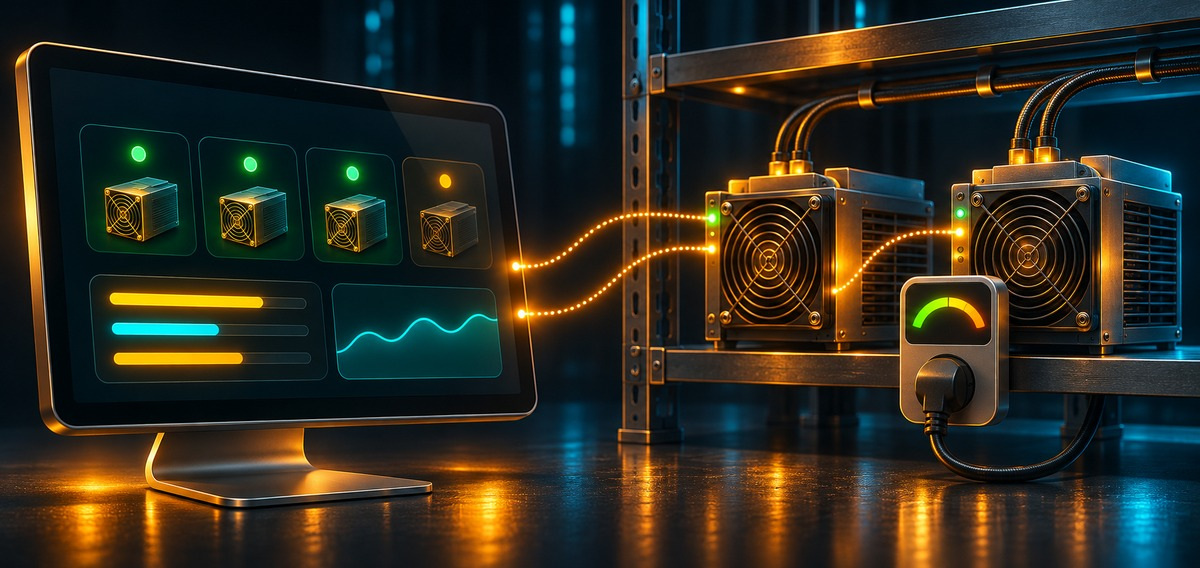
Awesome Miner brings equipment monitoring into one place. You can receive notifications and issue supported commands through it. Available actions depend on the connected device's interface. Reading a temperature successfully doesn't confirm that the program can change every setting in the firmware installed on that miner.
The main application runs on supported 64-bit Windows versions. Linux Remote Agent and Remote Proxy serve their own purposes. A Linux download doesn't mean there's a full Linux edition of the main desktop application. In November 2026, the official download page listed version 11.5.11, dated October 20.
Awesome Miner has a limited free mode and paid subscriptions. Download the application and remote components from the official site. Test the functions you need on one machine before paying. Mining engines and outside services may charge their own fees on top of the cost of managing the farm.
Set aside time to test notifications. A worker can disappear because of its pool connection, a local network fault or a hardware failure. The message needs enough detail to identify the machine. People eventually ignore repeated alerts that don't clearly name the affected miner, even if the software correctly detects every interruption.
Check the computer running your bitcoin mining software too. If the monitoring machine falls asleep or loses its connection, silence may mean monitoring itself has stopped. Decide in advance who will notice that failure.
NiceHash Miner and where BTC payments come from
NiceHash Miner is for compatible processors and graphics cards on Windows. The official repository specifies 64-bit Windows 10 or newer, along with hardware and driver requirements. Support for particular algorithms also depends on the mining plugin selected.
The client benchmarks equipment and can switch between supported algorithms. Buyers purchase hashrate through the marketplace, while sellers receive BTC. NiceHash describes this in its documentation as “selling the hashing power of your CPUs & GPUs to hashing power buyers.”
That's a significant detail when comparing mining programs. A graphics card can earn BTC for working on another network. Payment in bitcoin doesn't prove direct BTC mining with SHA-256. An estimated balance in the interface also doesn't show whether anything will be left after paying for electricity.
Get installation files from the Releases section of the NiceHashMiner repository owned by the official NiceHash organization. Include service charges and third-party plugin fees in your costs. After benchmarking, observe the hardware in use before relying on the estimate to plan a longer run.
CGMiner and BFGMiner depend on the particular build
Older guides often recommend these engines without naming the equipment or build version. That makes it hard to tell whether they'll be useful now. Both projects have long been associated with ASICs and FPGAs, but individual devices need specific drivers. You still need to find those in the build you're considering.
CGMiner
In the upstream CGMiner NEWS file checked for this article, the first entry covers version 4.11.1, dated August 16, 2018. This is information from that release log. It doesn't describe every branch of the project or code modification that a hardware manufacturer may have used.
CGMiner can help maintain equipment with confirmed compatibility. Start with the ckolivas repository and the project resources it identifies. Check the device driver, build dependencies and instructions for your operating system. Finding an executable in an old guide doesn't automatically settle any of those questions.
There's no charge for the source code. Producing a reproducible build and keeping it working still takes effort. If you've bought a recent ASIC, first find out whether the manufacturer included the required engine in its stock firmware. Installing another command-line program may add nothing useful to your particular setup.
BFGMiner
The upstream BFGMiner NEWS file starts with version 5.5.0, dated January 3, 2018. It also describes the build environments used. Read those details as the history of that release. They don't promise compatibility with a present-day Windows installation or a recently released ASIC.
Look for device documentation in the luke-jr BFGMiner repository and the official resources it references. Monitoring and control functions depend on the driver. Operating-system support needs to be checked for the source code or ready-made build you actually intend to use.
You don't have to buy the source code here either. Someone maintaining an established installation may find familiar controls useful. A newcomer with unfamiliar hardware needs to establish compatibility first. Otherwise, time goes into compilation and troubleshooting before it's clear that the necessary support exists at all.
Record the hardware details before downloading
When comparing bitcoin mining software, note the miner's full designation, controller type and installed firmware version. For a GPU farm, you'll need the card models, drivers and operating-system build. Those details make release notes easier to read and help you ask the supplier specific questions.
Save the answer with the installation file. At the next repair, the controller may be changed while the case and asset label stay as they were. Instructions that worked six months ago may no longer apply.
A support question should describe the hardware configuration and the change you want to make. Naming the controller revision and firmware version gives the developer something to answer. Asking whether the program “works well with Antminers” can bring an encouraging reply that never resolves compatibility for your own machine.
Follow the fees through to withdrawal
Free usually refers to the download. Firmware can still collect a developer fee, a manager can require a subscription, and the service accepting the work can charge for its services. A third-party mining plugin inside a free client may add its own terms of use.
Trace one payment. Find the amount credited for the work, then the deductions at that stage and the cost of withdrawing it. Percentages may have different calculation bases. Subtracting all the rates you find from one gross figure can introduce an error before you've even accounted for electricity.
Consumption is easier to measure. A device drawing 3 kilowatts continuously, for example, uses 72 kilowatt-hours a day. At an illustrative tariff of $0.08 per kilowatt-hour, running it costs $5.76 a day. External cooling raises the expense. These are hypothetical figures: the calculation shows electricity cost and says nothing about revenue.
Use actual measurements when testing firmware. If a setting increases local hashrate, compare the work accepted by the pool over the same period and investigate rejected shares. Consumption can grow faster than the amount of paid work. Changes in network difficulty and market conditions also make revenue from different dates harder to compare, even with identical settings.
Prepare for recovery before the first installation
Choose a trial device that somebody can physically reach. Remote access is convenient while the controller responds. After a failed firmware installation, recovery may require a method specific to that board. The person on site needs those instructions beforehand, before the device stops answering over the network.
- Save the current configuration and record the miner's starting performance.
- Download the correct file from the official source and perform the available integrity checks.
- Follow the instructions for the specific product and hardware revision, setting aside time for maintenance.
- Check the pool or service destination, then monitor accepted shares, temperature and power consumption.
Leave time to watch the miner after installation. Reliable power matters while firmware is being written. If the miner doesn't return to the network, somebody will need access to the equipment. Avoid scheduling a whole-farm update as staff are leaving the site and nobody will be available to help.
Take care with wallet details. An address lets someone send you payment. A seed phrase gives access to the wallet. An installer requesting a recovery phrase is asking for more than mining requires. A pool worker password serves another purpose and mustn't be confused with wallet secrets.
Keep public internet access away from management tools
Reach the download through the project's official site or identified repository. A fake page may show the right logo and release number while offering a different file. If the developer provides a signature or checksum, use its verification instructions. A checksum obtained only from a questionable mirror doesn't independently confirm the file is genuine.
Resolve a security warning before launching the program. Turning off computer protection for an unexplained installer removes a barrier before you've understood the alert. If the file's origin remains unclear, leave it unopened. Working equipment can wait while you find a verified source.
After installation, restrict access to dashboards and management APIs. Use a protected management network or a controlled VPN connection, and replace default passwords. Give each user only the permissions they need. Farm management software can send commands to many machines, so access to its host computer deserves particular attention.
Read the logs before adding another restart
Local hashrate and the pool estimate reflect different data. The device reports its own operation; the pool estimates work from submitted shares. Readings can differ noticeably over a short period. If the gap persists, investigate connection errors, rejected results and equipment stability before changing the settings.
An automatic restart helps a stalled process resume. It can also remove the visible symptom while the fault keeps recurring. Keep logs around each event and note configuration changes. Otherwise, a reassuring dashboard can hide regular interruptions whose cause nobody has investigated.
When choosing bitcoin mining software, look for a result you can explain. How much sooner is an outage detected? How has consumption changed while the pool still accepts enough work? Keep observations long enough to judge. A successful first day doesn't establish that the change will help during ongoing operation.
Conclusion
For a new ASIC, stock firmware is usually the starting point. A management application or alternative firmware should serve a specific task. Match the version to the hardware, understand the charges and prepare for recovery. Testing one accessible device helps answer questions that come up during installation planning and remain after reading the feature list.
FAQ
- Does every Bitcoin ASIC need a separate Windows program?
No. Many ASICs run their mining software on the controller, with settings available through a browser. Install a separate manager when it helps with operating the equipment.
- Can a free application make laptop Bitcoin mining profitable?
A laptop cannot compete with dedicated Bitcoin ASICs. Selling CPU or GPU power through a service works differently, and payments may not cover electricity.
- Does a NiceHash BTC payment mean the GPU mined Bitcoin?
No. Users sell computing power to buyers and can receive BTC for work performed with other algorithms.
- Can CGMiner and BFGMiner work with any modern ASIC?
No. Compatibility depends on the driver and build. Their upstream release logs contain old entries, so check support rather than assuming it from a familiar name.
- What should a firmware test measure?
Compare accepted work and electricity use over a representative period, noting errors and downtime. You need baseline readings, with fees and changes in mining conditions accounted for.
Published Articles
Bitcoin Mining: Calculate ASIC Electricity Consumption and Power Costs
Calculate Bitcoin mining electricity consumption in kWh, estimate ASIC power costs at German tariffs, and account for runtime, cooling and fixed charges.
Best ASIC Miners: Immediate Deployment Guide to the Most Profitable Mining Hardware
Compare the best ASIC miners from Bitmain, MicroBT, Canaan and Bitdeer. Check power, cooling, delivery and mining economics before buying.
Best Antminer Models
Compare Bitmain models by hashrate, efficiency, price and cooling. Find the best Antminer for your electricity costs, with S21 vs S19 examples.
What Is ASIC Mining? How ASIC Miners Work
Learn what is ASIC mining, how purpose-built miners process hashes, which coins they support, and what costs and risks affect an operation.

Crypto Mining Investment: How to Invest in Bitcoin Mining
Explore crypto mining investment models, operating costs, ROI calculations, company analysis, cloud contracts, and the risks investors should check.
Bitcoin Mining ROI: How to Calculate Profitability and Forecast
Introduction The Antminer S21 XP consumes 3.5 kW per hour and mines around 0.00014 BTC per day at current network difficulty. With electricity at $0.07 per kWh and Bitcoin at $100,000, that produces roughly $14 in rev...