
Hardware Wallet Explained: How Cold Storage Protects Cryptocurrency
Introduction
A hardware crypto wallet is a physical device designed to protect the private keys used to authorize cryptocurrency transactions. Your assets remain recorded on the blockchain. The device helps you use those keys without handing them to an ordinary computer or phone.
That separation can reduce exposure to malware, provided you set up the wallet correctly and check what you approve. It does not hide public transactions or make every action safe. The most important habits involve the device's display and its backup, often long after the excitement of opening the box has passed.
What a hardware crypto wallet does
A hardware crypto wallet acts as a dedicated signing device. It holds or derives private keys and uses them to sign authorized requests. A companion application can show balances, prepare transfers, and communicate with the blockchain while the sensitive signing work takes place on the device.
People sometimes call this a “hard wallet.” The informal name describes the same general category. A hardware crypto wallet can be used with different compatible applications, so the screen you see on a laptop is only one part of the arrangement. You need to know which component actually controls the keys.
Imagine deleting the companion app. That normally removes a local interface, not the blockchain record or the wallet's signing secrets. Conversely, someone who obtains a usable recovery backup may be able to recreate those secrets elsewhere. They may never need to touch the original device.
How signing a transaction works
The normal workflow separates preparation, approval, and broadcasting. The details vary across blockchains, but a simple transfer generally follows this sequence:
The application prepares an unsigned transaction using the destination, amount, network, and fee information. It may retrieve balances or unspent outputs from a node or service.
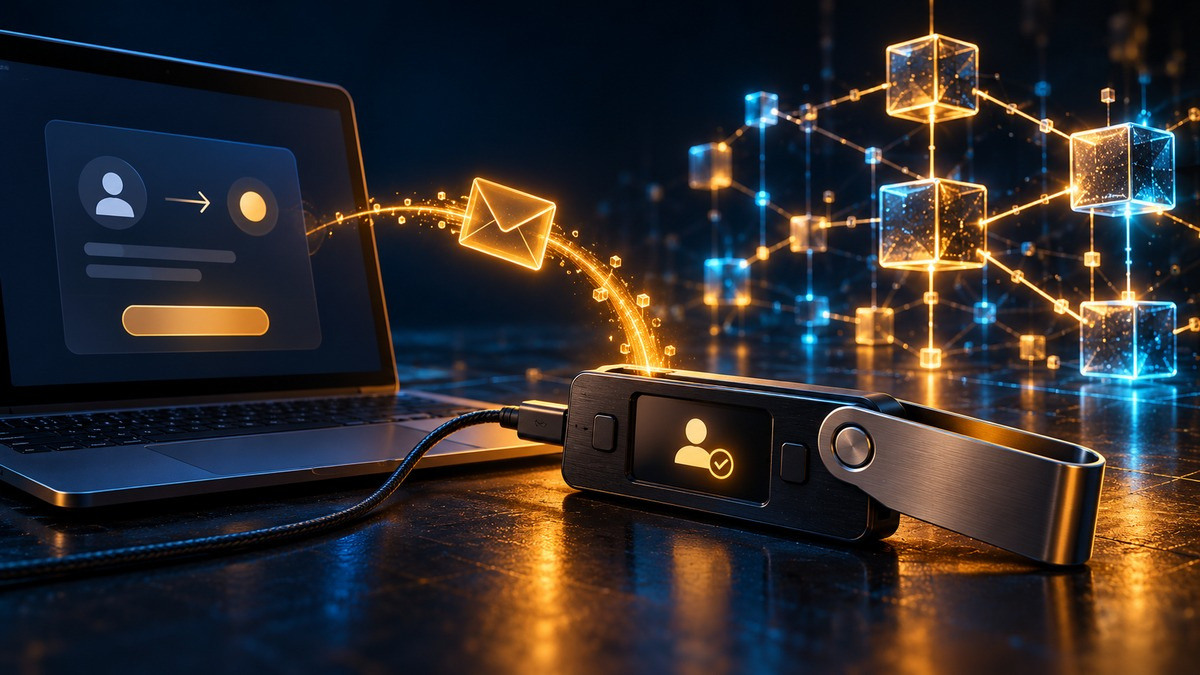
The device receives the transaction data through its supported connection. In normal operation, this exchange does not require sending the private key to the application.
You review the details on the device's trusted display and approve or reject them. Compare the recipient with a destination obtained independently from the intended recipient.
The device uses its keys to create the required signature. It returns the signed transaction or signature data to the application, depending on the protocol.
The application submits the signed transaction to the network. Network participants validate it, and confirmation takes place according to that blockchain's rules.
Pressing a button is an authorization decision. If malware substitutes an address before you approve, the device may faithfully sign a payment to the substituted address. Its display gives you a chance to catch the change. Ignoring that display leaves a gap in the protection.
Some smart-contract requests are harder to interpret than a basic transfer. A signature might authorize a token allowance or another action. If the device cannot show enough readable detail, approving anyway is often called blind signing. Stop when you cannot explain what the requested permission allows.
Cold storage connections and device architecture
USB Bluetooth and air gapped operation
A hardware wallet may exchange data over USB or Bluetooth while keeping signing keys isolated from the connected host. An air-gapped workflow uses a different transfer method, such as scanning transaction data as QR codes, without an active USB or Bluetooth data connection during that process.
These are separate design choices. Air-gapping changes how information crosses between devices; transaction data still crosses that boundary and must be interpreted safely. Blockstream Jade, for example, supports QR-based workflows. A wallet using a cable can also be designed to isolate keys. Judge the full implementation rather than one connection label.
What a Secure Element can do
A Secure Element is a specialized chip designed to resist certain attacks on sensitive operations or secrets. Its responsibilities vary. Some devices use it for key storage and signing; others use it within their PIN protection design. Firmware, the display, and other components remain part of the security picture.
Not every hardware wallet includes one. Trezor's documentation distinguishes its Safe devices from the older Model One and Model T, which lack a Secure Element. That difference is worth understanding when considering physical access risks. The presence of a chip is not evidence that extraction or compromise is impossible under every condition.
Hardware Wallet vs Software Wallet
An ordinary self-custody software wallet usually manages signing keys on a phone or computer. A hardware wallet adds a separate device for that role. Comparing the two requires looking beyond whether there is an app:
Key storage differs. With a hot software wallet, signing secrets reside on the host device. With a hardware signer, they are intended to stay isolated within the wallet's security design.
Signing in a software wallet normally relies on the host environment. Hardware signing introduces a separate approval step, ideally with meaningful details on a trusted device display.
Software wallets are often quicker for routine use. Hardware approval adds physical handling and extra checks, which can be worthwhile for funds you move less frequently.
Hardware involves a purchase cost. Software wallets are often free to install, but both arrangements can incur network fees and charges for optional third-party services.
Recovery depends on the backup method each wallet implements. Support for the same asset does not establish that two wallets can restore one another's backups.
Both can suffer user-authorized losses. Hardware reduces some routes to stealing keys, while phishing, dangerous permissions, and exposed backups remain serious risks.
A software application can also serve as the interface for a hardware wallet. Connecting a supported signer is different from importing its recovery words into that application. Importing the words places the signing secret in a new environment and changes the exposure you were trying to avoid.
PIN backup and passphrase have different jobs
The PIN controls access to a particular device. Depending on the model, repeated wrong guesses cause delays or a reset. Someone restoring your wallet from a valid backup generally chooses a new PIN; the old device PIN is not the secret from which your blockchain keys are recovered.
The backup lets you reconstruct the wallet after loss or failure. Many devices use BIP39 mnemonic words, commonly 12 or 24. Other arrangements exist, including SLIP39 single-share and multi-share backups. Record the format your device actually creates. Counting words alone is an unreliable compatibility check.
An optional passphrase can derive a separate wallet from the same backup. Recovering that wallet requires the exact passphrase as well. With such designs, a typo may open a different, empty wallet instead of producing an “incorrect password” warning. Use this advanced feature only after understanding how you will preserve and recover the additional secret.
How to set up and use a hardware crypto wallet
Buy from an official source and verify the device
Prefer buying directly from the manufacturer. If using a reseller, verify its current authorization through the manufacturer and check any relevant security notices. Inspect the package and device as instructed, then run the manufacturer's authenticity procedure where available. A successful check reduces particular risks; it cannot prove that every conceivable physical modification is absent.
Never use recovery words supplied on a prefilled card. An ordinary new-wallet setup should create a fresh wallet under your control. If the device arrives initialized, or the instructions ask you to transfer funds before completing setup, stop and contact the manufacturer through a verified channel.
Install the official application and firmware
Reach the download through the manufacturer's official site rather than a search advertisement or unsolicited message. Verify the publisher and follow its installation checks. Depending on the device, setup may include installing or updating firmware before a new wallet is created.
Examples of companion software include Trezor Suite and Ledger Wallet, formerly called Ledger Live. The Blockstream App supports Jade workflows. Follow documentation for your exact device and operating system. An app name or store listing alone does not demonstrate that a download is genuine.
Create a new wallet and choose a PIN
Select the new-wallet option unless you intentionally need to restore an existing wallet. Follow the device's instructions for generating keys, and choose a PIN that avoids obvious sequences or personal dates. Keep the setup private, especially when backup words appear on a display.
Pause before adding a passphrase or more elaborate recovery arrangement. Additional secrets can protect against certain threats while increasing the chance of losing access yourself. Make sure you can describe the recovery requirements without relying on memory or on a video you might not find later.
Record and verify the backup
Write down the backup exactly as directed, preserving the word order. Keep it offline and private, using a suitable physical backup medium. Avoid photographs or copies in email, chat, and cloud documents. Anyone who obtains sufficient recovery material may be able to spend the associated assets.
Use the official backup-check function where supported. Trezor, for example, provides a check that compares recovery input with the wallet already on the device. Follow the model-specific entry procedure. Never paste the words into a website claiming to validate them, and do not erase your only working device merely to experiment with restoration.
Receive a small test amount
Choose the correct asset and network, then generate a receive address and verify it on the device where supported. Compare the complete address with the one you give the sender. A matching-looking beginning and ending are insufficient. Check whether a destination requires additional information, such as a memo or tag.
Send an amount you can afford to risk and that meets the platform's withdrawal minimum. Wait for appropriate confirmation and check the balance in the intended account. This tests one route and address; it does not prove that a future transfer on a different network will work.
Practice an outgoing transfer
Make a small outgoing payment to an address you control. Review the destination, amount, and fees on the device before approving. Ensure there is enough of the network's fee asset: an Ethereum token transfer, for example, normally needs ETH for gas in the sending account.
Check the resulting transaction status through a trusted interface. Unplugging after signing does not cancel a transaction already broadcast. Once you understand both directions, you can decide whether to transfer a larger balance. Keep enough room in your plan for fees and a possible delayed confirmation.

Recovering after loss or device failure
If the device breaks, a compatible replacement can restore access using the correct backup and any required passphrase. Compatibility includes the backup standard and the relevant asset support. Account type or derivation settings may also affect which addresses appear. An empty display after recovery does not automatically establish that the assets disappeared.
SLIP39 multi-share backups use a threshold: for example, two designated shares out of three may be sufficient. This differs from cutting an ordinary word list into pieces. Follow the standard's implementation and record the required arrangement. Too few accessible shares can leave recovery impossible, and keeping every share together weakens the purpose of distributing them.
If a backup is exposed, restoring it on a new device does not revoke the exposed secret. A thief may still recreate the same wallet. Where safe and practical, the response is to move assets to a freshly generated wallet with a new backup. Simply changing the device PIN cannot solve a leaked-backup problem.
Security risks that remain
Malicious signing requests can authorize losses even when no key leaves the device. Review token spending permissions and contract interactions carefully. Keeping long-term holdings separate from a wallet used for unfamiliar applications limits how much one dangerous approval can expose. Use independently generated wallets so the reserve does not share the spending wallet's backup.
Physical theft and compromised firmware require their own precautions. Keep the device somewhere appropriate, obtain updates through official channels, and confirm that your backup is usable before an update that might require recovery. A manufacturer's support team should not need your recovery words to troubleshoot a connection problem.
Cold storage also leaves public transaction history visible on transparent blockchains. Wallet software may disclose addresses to the services it queries. A hardware device is not an anonymity tool, and it does not protect a token's market price or prevent an issuer from exercising controls built into that token.
Holding other people's money raises further requirements. A consumer device alone is not a complete custody system for client assets. Organizations need arrangements for authorized access and independent oversight, with documented backup and emergency procedures. The rules governing that activity depend on the jurisdiction and services involved.
Choosing a device you can operate safely
Start with the assets and networks you actually use. Confirm support for the specific device, firmware, and chosen interface. Next, consider whether the display lets you review the transactions you expect to make. A hardware crypto wallet that is awkward to check may encourage rushed approvals, undermining a useful security feature.
Keep brand comparisons brief and specific. Ledger offers hardware signers with its companion software; Trezor provides its Safe range and Trezor Suite; Blockstream Jade focuses on Bitcoin and Liquid. These are examples, not a ranking. Features differ across models and versions, so fixed prices and headline coin counts are poor substitutes for checking compatibility.
Also consider the recovery process, ongoing firmware support, and your ability to obtain a replacement. The practical question is whether you can still control your assets after an ordinary mishap. A more complicated setup is worthwhile only if you can maintain it and explain it to whoever may need to help in an emergency.
Key Takeaways
Crypto remains on the blockchain; hardware wallets protect the keys used to authorize transactions.
Check the device display before signing, including when the connected computer looks trustworthy.
Preserve the correct backup format and any passphrase needed for recovery.
Test receiving and sending with small amounts before moving a larger balance.
A hardware wallet reduces some risks but cannot make an unsafe approval harmless.
Expert Insight
Gemini's Cryptopedia warns that a recovery process “should not be so difficult that you can’t recover it yourself.” That is a useful test of any backup plan. A sophisticated arrangement that nobody can reconstruct may fail at its main purpose. Practice with the official checking tools and document the non-secret steps while access still works.
Conclusion
A hardware wallet can make self-custody more manageable by separating signing keys from everyday computing. Its usefulness depends on careful setup, readable approvals, and recoverable backups. Learn those routines with a small balance first. The device is one part of a process you must be able to repeat when a computer fails or the wallet goes missing.
FAQ
- Does a hardware wallet contain my actual coins?
No. Blockchain records track the assets. The wallet protects the private keys needed to authorize transactions involving them.
- Is every hardware wallet air gapped?
No. Many use USB or Bluetooth. Air-gapped operation describes a separate data-transfer workflow, often using QR codes, rather than the entire hardware-wallet category.
- Can I recover funds if the device breaks?
Usually, with a compatible replacement, a valid backup, and any required passphrase. Check the backup standard and account settings; compatibility is not universal.
- Can a hardware wallet be used with a software wallet?
Yes, if the software supports that device. Connect it as a hardware signer. Importing its backup words into software exposes the secret to that software environment.
- Does a hardware wallet prevent every crypto theft?
No. A leaked backup, malicious approval, compromised device, or user mistake can still cause losses. No device removes the need to review transactions and protect recovery material.
Published Articles

Best Crypto Wallets: Security, Features, and Expert Recommendations
Compare the most secure crypto wallets for mobile and hardware use. Review key protection, recovery, security audits, and risks before choosing a wallet.

Bitcoin vs XRP Explained: Technology, Speed, and Investment Comparison
Compare XRP vs Bitcoin by technology, transaction speed, fees, supply, decentralization, and investment risks. Understand how Ripple differs from XRP.
MetaMask Wallet Explained: How to Set Up and Use It Safely
Learn how to use MetaMask on desktop and mobile, set up and fund your wallet, send crypto, connect to dApps, and protect your wallet access.

What Is Quant (QNT)? The Cryptocurrency Explained
Discover how Overledger works, what the QNT token is used for, and what to check when following its price, buying in Germany, or choosing a wallet.

How to Buy New Crypto Before Listing
Learn how to buy new crypto before listing through presales, launchpads, and DEXs. Understand token launches, US eligibility, vesting, and common risks.

Stablecoins Explained: List, Examples, and Safety Comparison
Use this list of stablecoins to compare their backing and risks, and learn how to assess safety, redemption options, liquidity, and price stability.