
ASIC Miner Maintenance and Cleaning
Introduction
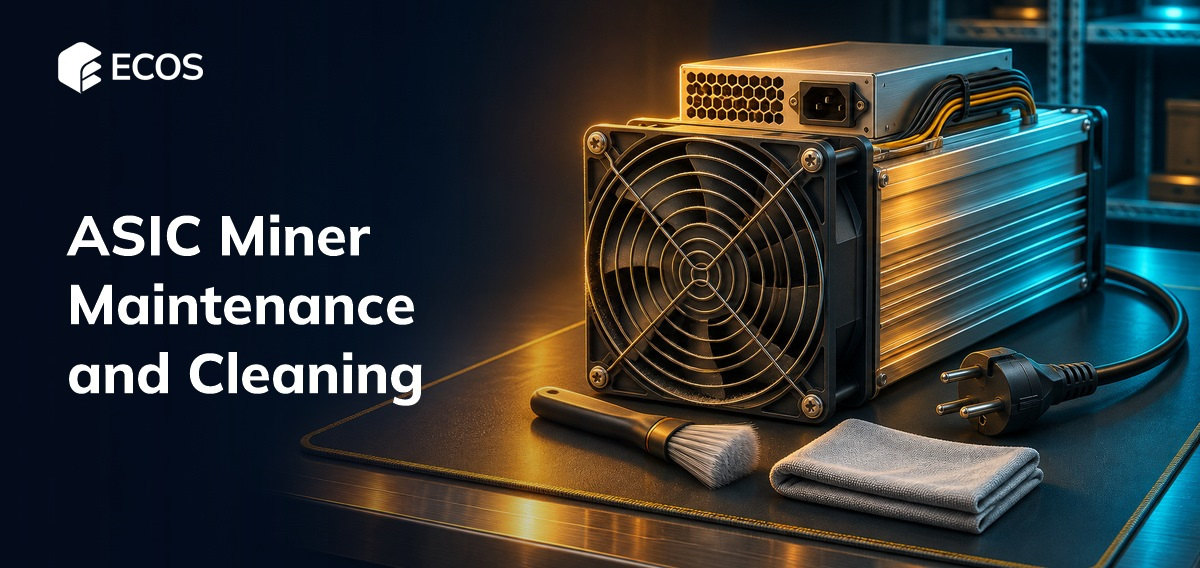
Your miner has become louder, and a thick grey layer covers the intake grille. Reaching for the compressor seems tempting. First, open the dashboard and check temperatures, fan speeds and the error log. Dust may be restricting airflow. Or hot exhaust may be returning to the room, or a fan may no longer be working properly.
Regular ASIC miner cleaning helps maintain cooling when contamination obstructs it. It cannot replace diagnosis. If boards disappear, the machine fails to start or there is a burning smell, more blowing may simply delay a repair. Recorded observations are more useful than guessing the cause from one symptom.
This guide covers air-cooled miners and accessible dry cleaning. Hydro-cooled and immersion systems have different procedures. Find the instructions for your exact model and revision before working: an identical logo does not establish identical construction, power arrangements or permitted maintenance methods.
Why clean and maintain an ASIC miner?
ASIC maintenance means inspection, removal of permitted contamination and operational checks under the manufacturer's procedure. Routine DIY ASIC miner cleaning generally covers the enclosure, grilles and accessible airflow passages. Board removal, thermal interface work and power supply repairs require separate procedures and appropriate training.
Dust restricts passages between cooling surfaces and impedes heat removal. Fans may speed up, while protection systems limit operation or shut the miner down. If contamination caused the cooling problem, removing it helps restore normal conditions. There is no basis for expecting hashrate above the machine's normal capabilities.
Location matters too. A clean miner can overheat if it takes in hot air from neighbouring equipment. ASIC miner cleaning will not fix room ventilation. Inspect the space around the intake and exhaust, checking whether machine placement, extraction or the condition of site-specified filters has changed.
You may spot a damaged wire, loose mounting or foreign object near a fan. That is a valuable part of inspection. Finding a defect and fixing it yourself are separate tasks: a suspicious power connector should not be dismantled simply because tools are already nearby.
If the machine is hosted, establish who handles preventive maintenance and approves downtime. Ask for inspection results and readings before and after work. An item on a service invoice does not show whether accessible passages were cleared or the original complaint resolved. Access to internal components should be agreed with the site operator.
How often should you clean a miner?
There is no single calendar for every site. A miner in a clean room and an identical unit beside construction work collect dirt at different rates. Air quality, seasonal dust and cooling arrangements affect frequency. Begin with regular inspections and refine the interval using the machine's condition and manufacturer instructions.
BITMAIN's general dust-removal guidance recommends monthly cleaning. That is a reference from a general guide, rather than a universal requirement for every model and environment. If a grille clogs sooner, waiting for a calendar date is pointless. Follow the specific machine's instructions where they prescribe a different procedure.
Photograph the same areas at each inspection. This reveals how quickly deposits build up, rather than leaving an impression that the machine “has always been dusty”. Compare pictures with intake temperature and operating readings. Planned ASIC miner cleaning then follows observations rather than memories of the previous service.
When unscheduled ASIC miner cleaning is needed
Inspect outside the schedule after building work, moving a rack or the appearance of airborne fluff. Check any system-specified filters under their own procedure. Do not add arbitrary dense material to the intake: an attempt to catch dust can simultaneously restrict the required airflow.
Choose a maintenance window that lets you observe the restart too. Shutdown inevitably reduces mining time, but that does not justify skipping inspection or starting a machine in doubtful condition. Record downtime separately from its cause; both details help with future scheduling and discussions with the site.
What you need for ASIC cleaning
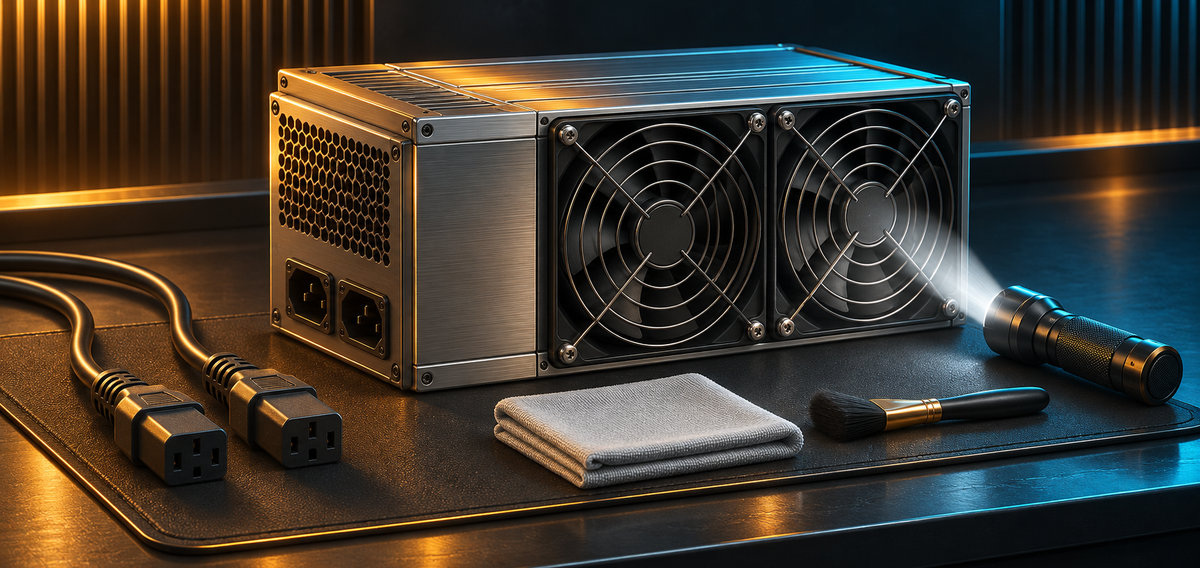
Prepare a dry, well-lit workspace, a torch, lint-free cloth and electronics-suitable antistatic tools for accessible surfaces. Apply electrostatic protection under site rules and the equipment manual. Remove small metal items easily lost near vents, and decide beforehand where the dislodged dust will go.
Use only the air-cleaning method permitted by the manufacturer. Compressor air must be suitably prepared, without water droplets or oil and with appropriate regulation. Do not borrow pressure or distance settings from another miner's instructions. Confirm that the equipment provides the required conditions rather than spraying condensation with the air.
Electronics air cans also require their own instructions: incorrect positioning may discharge liquid propellant. Keep household vacuum cleaners away from boards. Ordinary nozzles and airflow create mechanical damage and static risks. Cleaning the floor and workbench is a separate job; avoid sucking up small parts from the machine.
Do not prepare water washing, household chemicals or a hot hairdryer. Leave sticky deposits, liquid traces and contamination resistant to approved dry cleaning to a service centre. Having alcohol or degreaser available does not establish compatibility with a particular board's materials or treatment method.
Do not transfer a tool already covered in outer-grille dust straight to a cleaner area. Watch the cloth too: collected dirt easily enters a neighbouring opening. Working in small sections and checking each result is easier than sweeping the entire enclosure once, then searching for where the dust went.
Preparing the miner for maintenance
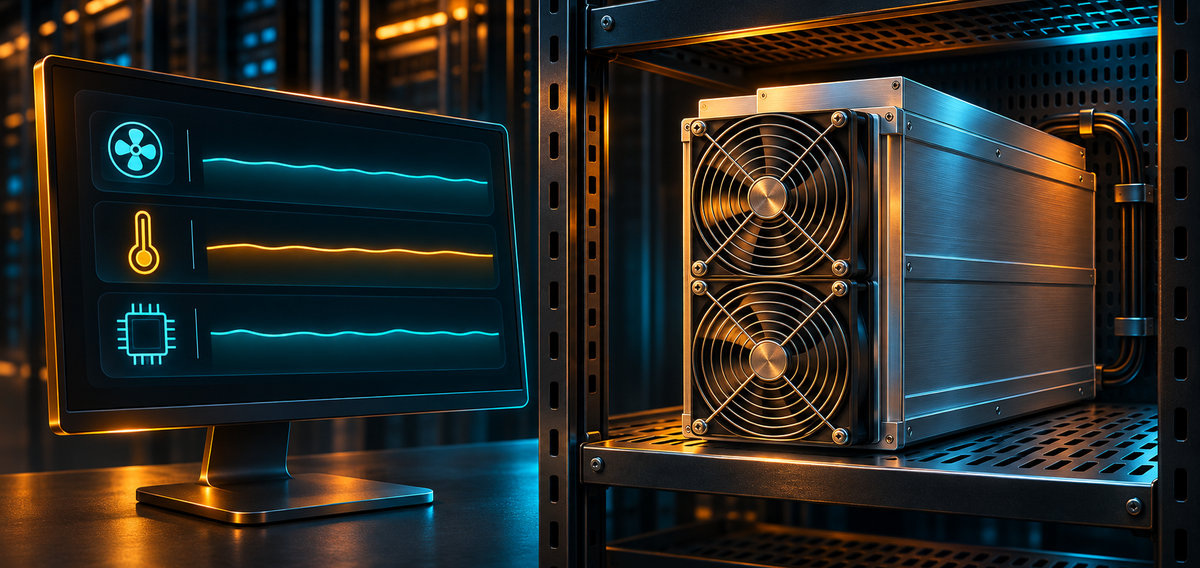
Save readings and the event log before shutdown. Record the operating mode, intake temperature, displayed equipment temperatures, fan speeds and board status. Note the actual concern: new grinding, repeated shutdowns or changed hashrate. Comparison after maintenance needs a clear starting point to be meaningful.
Save the model, serial number and firmware details too. Several identical enclosures on a rack make it easy to confuse observations from different machines. Match the record to the correct unit before disconnecting and check again after returning it. Photos and logs will then remain tied to that machine.
Stop the miner as instructed and disconnect every power input. Some supplies use several mains cables; a silent fan does not prove complete disconnection. Prevent another person or site automation from restarting it accidentally. Follow the manual's shutdown and cooling requirements before proceeding with maintenance.
Never disconnect power connections under load or open the power supply. Dangerous voltages may remain inside after disconnection. Ordinary dust removal does not require access to its internal parts. If the fault concerns power, hand the work to a specialist rather than combining preventive maintenance with a repair attempt.
Once prepared, inspect the enclosure externally. Photograph damage and accessible wiring positions. If fan removal or opening the case becomes necessary, check the manufacturer's procedure and warranty terms first. Dismantling at random for a better view may introduce a fault that did not exist before maintenance.
How to remove dust from an ASIC
Separate accessible external work from operations requiring disassembly. Start with the former. DIY ASIC miner cleaning must stay within approved procedures: a stronger air jet cannot replace access to the deposit or knowledge of the components behind the grille.
Cleaning the enclosure and vents
First remove loose dust from outer surfaces and grilles without pushing it through the openings. Avoid force that bends guards or distorts the case. The cloth should leave no fibres at the intake. Inspect both ends: a clean front says little about the exhaust passage's condition.
Where air cleaning is approved, use controlled application with the specified settings. Do not place the nozzle against components or touch blades with it. Watch the dust's destination: forcing it deeper inside or onto another running miner achieves little. Prepare the workspace so removed dirt does not immediately return to the intake.
Do not push a trapped clump through with metal. If it stays lodged inside, stop and assess access. An apparently simple obstruction may sit beside wiring or a connector. Remaining contamination warrants the prescribed service procedure, rather than greater force or improvised probing.
Cleaning fans and accessible cooling passages
Inspect fans for more than dust. Cracks, damaged blades, contact marks and unusual play need assessment. Do not test a fan by spinning it with an air jet. Prevent that rotation only by an approved method, without pressing blades or pushing makeshift objects behind the grille.
Remove accessible dry dust with suitable tools as instructed. Do not strain fan wiring or pull the cable when handling a connection. If contamination lies behind a guard, safe external cleaning may have reached its limit. A clean visible heatsink edge does not establish that the whole passage is clear.
A torch helps next: look for a dense bridge of fluff wherever inspection is possible without altering the assembly. Poor visibility is no reason to declare success merely because dust stops emerging. Avoid endless blowing at increasing pressure. Inaccessible areas are assessed after authorized disassembly under the relevant procedure.
When disassembly and professional service are needed
Fan removal, extracting hashboards and deep cleaning are a different scope of work. Procedures depend on construction, mountings and revision. Treat heatsinks and thermal interfaces particularly carefully: do not move or reglue them using generic video advice. The procedure must apply to your particular equipment.
For an Antminer S9, identify the fault first too. BITMAIN documentation links low hashrate to possible power supply or control board problems and loose heatsinks, among other causes. Servicing an old S9 should not become an attempt to check every mounting by hand on powered or unprepared equipment. Age adds reasons for careful inspection.
Use a service centre for sticky deposits, corrosion, liquid traces or damaged parts. After wetting, there is no universal “drying time” after which the machine becomes safe to start. Inspection and the restart decision depend on where liquid went and what damage or contamination it left behind.
Checking the miner after cleaning
Before reconnecting, confirm that tools are removed, guards and required fastenings are in place, and accessible wiring stays clear of the blades. If parts were removed under an approved procedure, verify assembly against it. Fan direction and part compatibility matter too; matching dimensions alone are insufficient.
Start in the normal mode with protections enabled. Observe startup, fans and messages first. Do not leave a machine unattended if unusual sounds, smells or repeated errors appear. Stop using it safely if damage is indicated. Raising temperature limits or disabling fan monitoring to force startup is unacceptable.
Once operation stabilizes, compare readings with the baseline. Chip, board and intake temperatures are different measurements; use the model's documented limits. Warmer incoming air makes comparison with a previous cool day imperfect. Account for power mode too, or a setting change could be mistaken for a cleaning effect.
Look beyond instantaneous hashrate. Check board detection, logs and the pool's accepted-work statistics over comparable periods. Data immediately after startup may be incomplete. A single hardware error does not establish failure, but repeated deviations with lost performance need investigation. Record the outcome, including no improvement.
Do not change firmware, power mode and pool settings together when assessing dust removal. Multiple interventions obscure which changed behaviour. If another setting genuinely needs adjustment for diagnosis, record it separately and account for that change in later comparisons instead of attributing every difference to maintenance.
When cleaning cannot help and repair is needed
One sign rarely provides a diagnosis. The situations below include possible causes, checks and stopping conditions. They help communicate useful information to a service centre, but cannot replace model-specific diagnosis or justify continued operation when visible damage is present.
Temperature has risen. Possible causes include contamination, hot intake air, obstructed exhaust or fan trouble. Check surroundings and accessible airflow paths against the model's limits. If protection trips, conditions exceed permitted limits or a fan fails, stop operation until the cause is resolved. Repeated restarts do not fix overheating.
A new noise appears. Strong steady airflow and mechanical grinding need different checks. Compare fan speeds and temperature, then inspect accessible blades and surrounding space after disconnection. Crackling, contact, visible damage or a stopped fan warrant shutdown. Dust does not automatically explain every unfamiliar noise, especially one appearing immediately after maintenance.
Hashrate has fallen. Cooling, power, power mode, pool connection or boards may be responsible. Compare local statistics with pool data and logs; check network availability. A low figure alone does not prove dust buildup. Stop for critical messages or damage signs; leave electrical adjustments and component replacement to a trained specialist.
A board disappears or a sensor error repeats. Connections, boards, power or control electronics may be involved. Save the exact event text and model details. If the fault persists after permitted checks, arrange diagnosis. Do not bypass protection or manipulate connections on a running machine to restore its appearance in statistics.
Burning smells, melted parts, sparks, liquid traces or a damaged power cable warrant stopping regardless of displayed hashrate. A healthy number cannot cancel a physical defect. Give the service centre the event time and photographs rather than merely writing “not working after cleaning”.
Specify whether the symptom existed beforehand, appeared on first startup or returned later. Attach the saved log without rewriting its messages. If work stopped at a particular stage, say so. The service centre needs the machine's actual condition, rather than the owner's guess about which component failed.
Maintenance starts with inspection and monitoring
Keep a machine log: date, initial condition, work performed and result after restart. Add observations to an “ASIC miner cleaning completed” entry, or the next inspection will lack a useful comparison. If contamination returns faster under similar conditions, address the dust source and site ventilation. The record helps schedule maintenance around actual equipment condition.
Key takeaways
- Save readings and logs first: noise or low hashrate alone does not establish contamination.
- Disconnect every power input before cleaning and prevent an accidental miner restart.
- Use approved dry cleaning on accessible surfaces; never guess pressure settings.
- Damage, sticky deposits and liquid traces require separate assessment by a service centre.
- After assembly, check cooling, boards and pool operation under comparable conditions.
Expert perspective
BITMAIN's guidance states: “Unplug the miner when installing or maintaining it”. This is the manufacturer's explicit maintenance requirement. It concerns disconnecting the machine from power during installation or servicing, rather than merely making work more convenient.
In practice, verify disconnection rather than relying on a silent fan. One removed cable is insufficient for equipment with several inputs. Use the device documentation for the specific shutdown and component access procedure.
Conclusion
Begin with inspection and baseline readings, remove permitted contamination and check operation in normal mode. Use your records for diagnosis if symptoms persist. Maintenance helps preserve working cooling and reveal defects early; trying to substitute it for repair is unwise.
FAQ
- Can I clean a powered ASIC?
No. Stop it and disconnect every power input as instructed. Prevent accidental startup throughout the work.
- Must the miner be dismantled for every service?
Not necessarily. Assess accessible dirt and the model's procedure. Disassemble only when indicated, using the prescribed method.
- Will air cleaning help low hashrate?
Only if contamination obstructing cooling caused it. Power, networking, boards and settings can also affect performance.
- Can I wash hashboards with water?
Not as DIY preventive maintenance. Use a service centre for deposits needing special treatment. Do not start wet equipment without assessment.
- Is there one air pressure for S9 and newer Antminers?
No. Use the parameters and method approved for the model. Never transfer compressor settings between different devices by guesswork.
Published Articles

Bitcoin Mining Programs: Top Solutions for Mining Cryptocurrencies
Compare bitcoin mining software for ASICs, farm management and GPU rigs. Check hardware support, fees, download sources and setup requirements.

Bitcoin Mining: Calculate ASIC Electricity Consumption and Power Costs
Calculate Bitcoin mining electricity consumption in kWh, estimate ASIC power costs at German tariffs, and account for runtime, cooling and fixed charges.

Best ASIC Miners: Immediate Deployment Guide to the Most Profitable Mining Hardware
Compare the best ASIC miners from Bitmain, MicroBT, Canaan and Bitdeer. Check power, cooling, delivery and mining economics before buying.

Best Antminer Models
Compare Bitmain models by hashrate, efficiency, price and cooling. Find the best Antminer for your electricity costs, with S21 vs S19 examples.

Cloud Mining or Your Own ASIC: Returns, Risks, and Payback Compared
Cloud mining vs ASIC mining compared by startup cost, electricity, maintenance, control, risk, liquidity, and uncertain payback.

What Is ASIC Mining? How ASIC Miners Work
Learn what is ASIC mining, how purpose-built miners process hashes, which coins they support, and what costs and risks affect an operation.